Preamble
In search of administrative tools that would make my life easier, I discovered Cockpit. It checks all the boxes for me: it’s FOSS, lightweight, extendable, comprehensive, and easy to use. Extensibility is key; Cockpit provides a number of applications to integrate management tools for various things, such as storage, networking, VMs, Podman containers, etc. One of the most helpful for me is the Podman app, making it easy to spin up pods and containers directly from the Cockpit GUI.
Installation
Since I’m using Debian, I followed the installation instructions here. At the time of writing, the installation is as follows:
. /etc/os-release
echo "deb http://deb.debian.org/debian ${VERSION_CODENAME}-backports main" > \
    /etc/apt/sources.list.d/backports.list
apt update
apt install -t ${VERSION_CODENAME}-backports cockpit
Note
I had issues installing the
...-backportsas described above, so I omitted them (i.e.apt installedcockpit)
I also installed some extensions that I thought might come in handy (including Podman):
apt install cockpit-storaged cockpit-networkmanager cockpit-podmanEntering the Cockpit
Info
Contrary to many tutorials’ suggestions that Cockpit must be started using
systemctl start --now cockpit, Cockpit will start on demand (as below)
Cockpit will start on demand when a browser accesses localhost:9090 (or whichever port it is configured to use). This should produce the following login page:
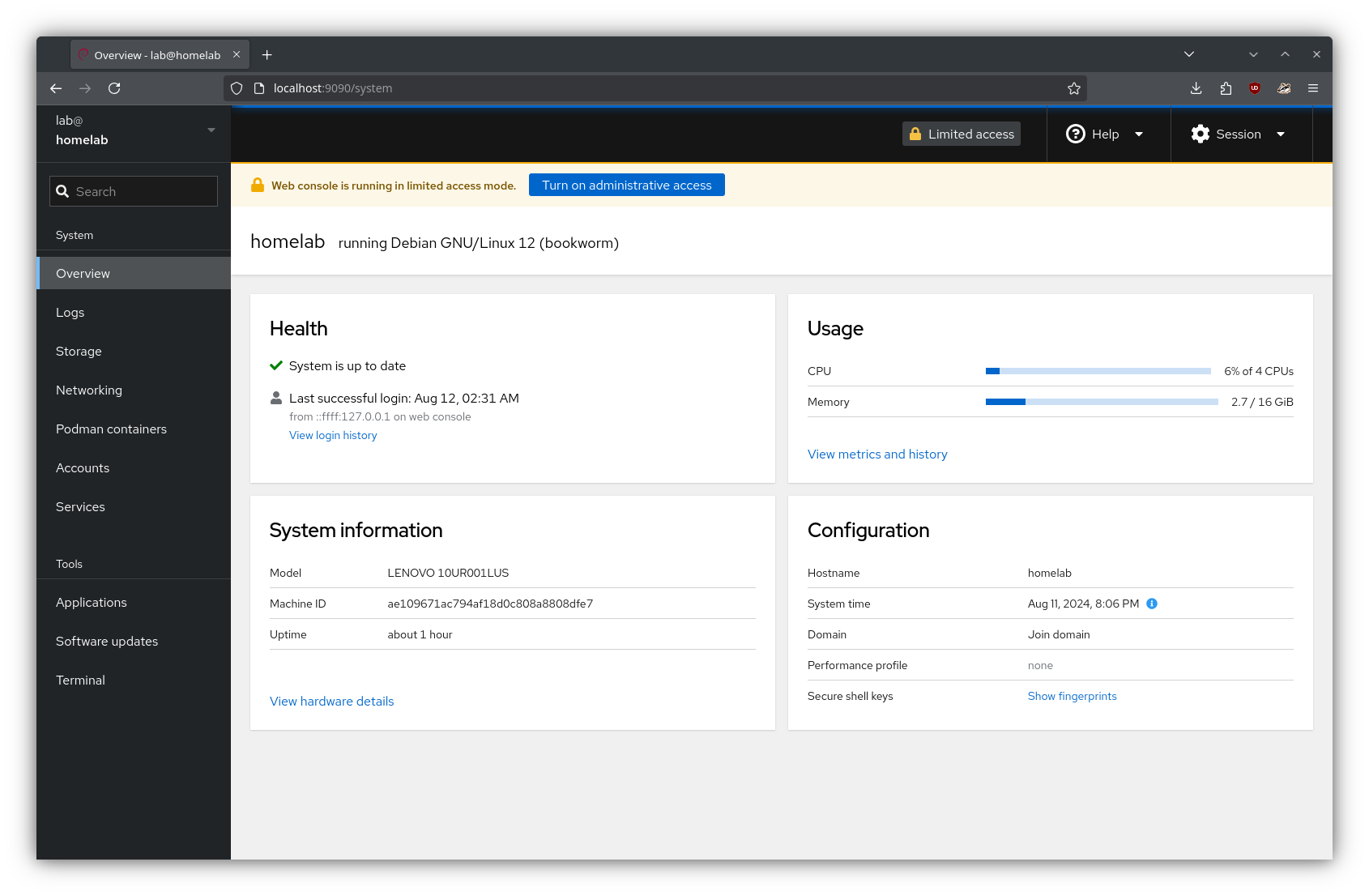
 Cockpit uses the system’s normal user login. After logging in, the user is greeted with the dashboard:
 With that, the server should be ready to do some serving!